
How do I change the frequency of my orders?Updated 8 months ago
How do I change the frequency of my orders? You can change the frequency of your orders at any time by navigating to your Subscription page and clicking on Edit Subscription Details. Please note that changing your frequency will not automatically change your next order date. If you wish to change your next order date as well, you can do so in your Queue.
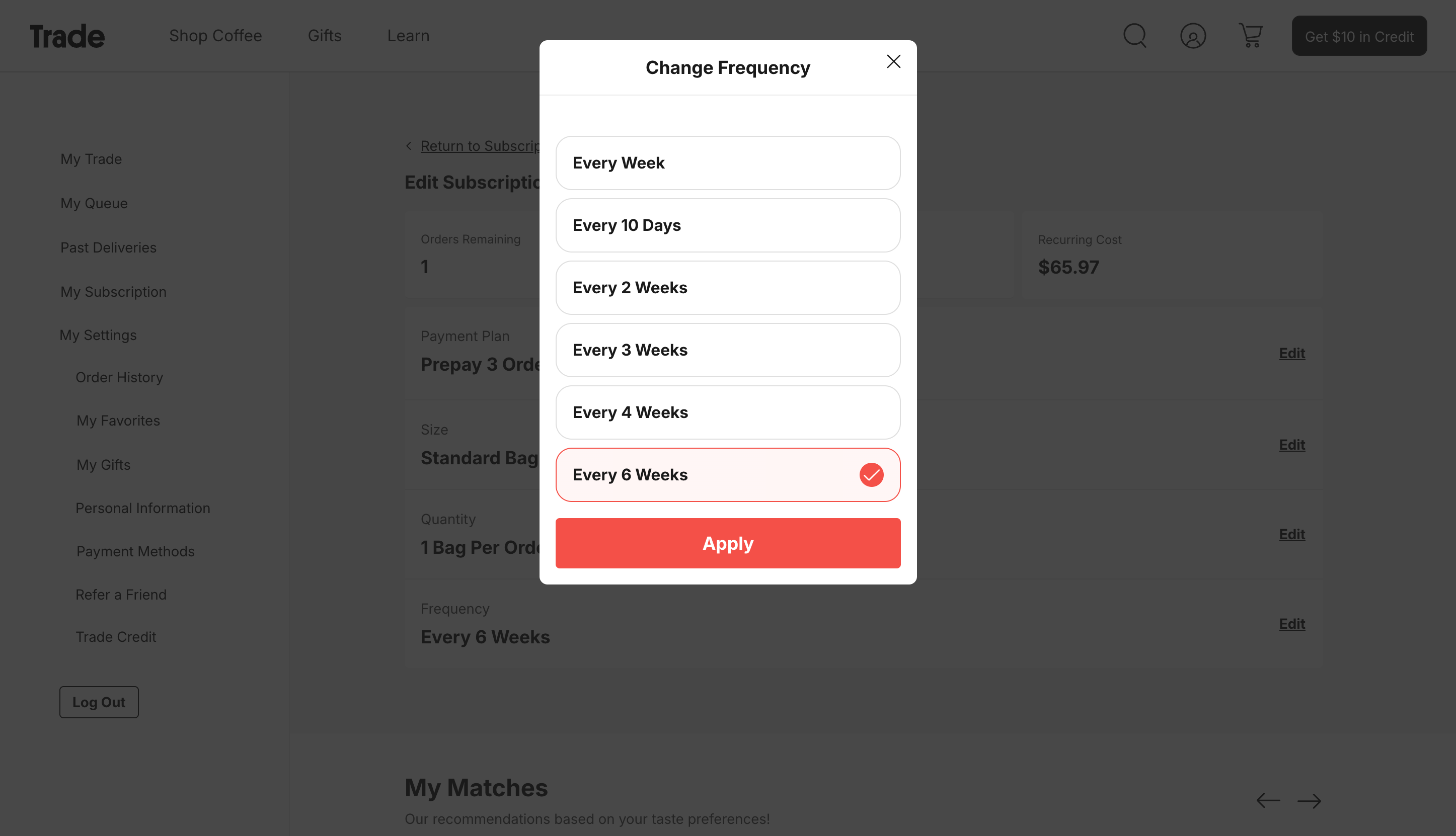
Don't see a frequency option on site that meets your needs? Email us at [email protected] or get connected to an agent via chat on our homepage and we'll be happy to help. You may also reach us 9AM - 5PM EST Monday - Friday by phone (888) 252-8691, text (424) 238-3630, or through the chat feature on the bottom right hand corner of the site.